
Ages 8 to 12Free for all
Beginner
Curiosity, logic and first block-coding projects.
- What is a Computer?
- Thinking Like a Coder
- Loops & Patterns
- Digital Citizenship
- + 6 more lessons
Your STEM journey starts here
Practical STEM skills, real-world challenges and evidence-based achievements, with Byte, your learning companion. Designed for every learner, including learners with disabilities and refugee communities.
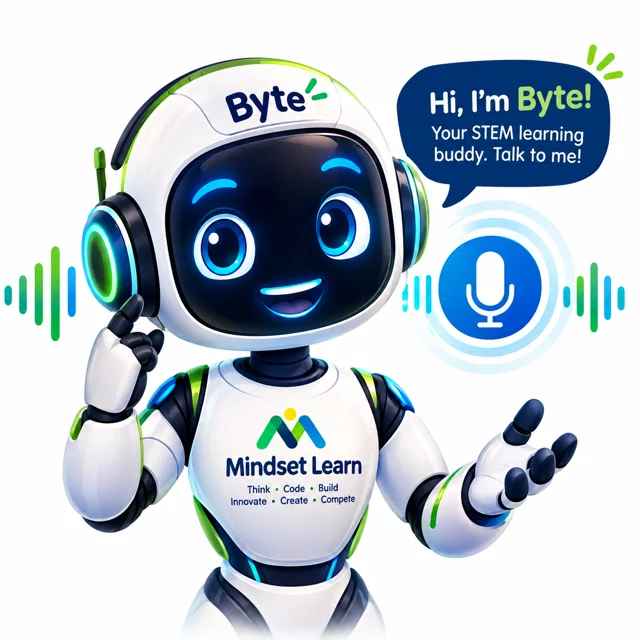
Hi, I'm Byte!
Ask me for hints, examples and ideas.
How it works
Every pathway follows the same rhythm, so learners always know what's next. Competency, not time, decides progression.
Stage 1
Spot real problems in your community and ask good questions.
Stage 2
Turn ideas into step-by-step instructions with blocks, Python and JavaScript.
Stage 3
Wire sensors, LEDs and microcontrollers into working prototypes.
Stage 4
Test with real users, measure results and improve your design.
Stage 5
Package your solution, document it and tell its story.
Stage 6
Pitch, demo and showcase your evidence at STEM competitions.
Learning pathways
From a learner's very first program to shipping an AI app, each lesson builds on the last.
Curiosity, logic and first block-coding projects.
Sensors, microcontrollers and real prototypes.
APIs, Python, cloud and engineering systems.
AI literacy, prompting, ethics and AI apps.
Byte knows every lesson. Ask for a hint, an example or why it matters, by typing, tapping a phrase, or speaking. Byte can read answers aloud too.
Inside every lesson
Short, illustrated explanations with examples from daily life in Uganda.
Block-code and real code starters you can try straight away.
Five questions with instant feedback. Score 3 or more to pass.
A hands-on task with clear evidence to collect and submit.
Write what you learned and what you'd try next.
Badges and stage progress recorded in your STEM Passport.
Inclusion
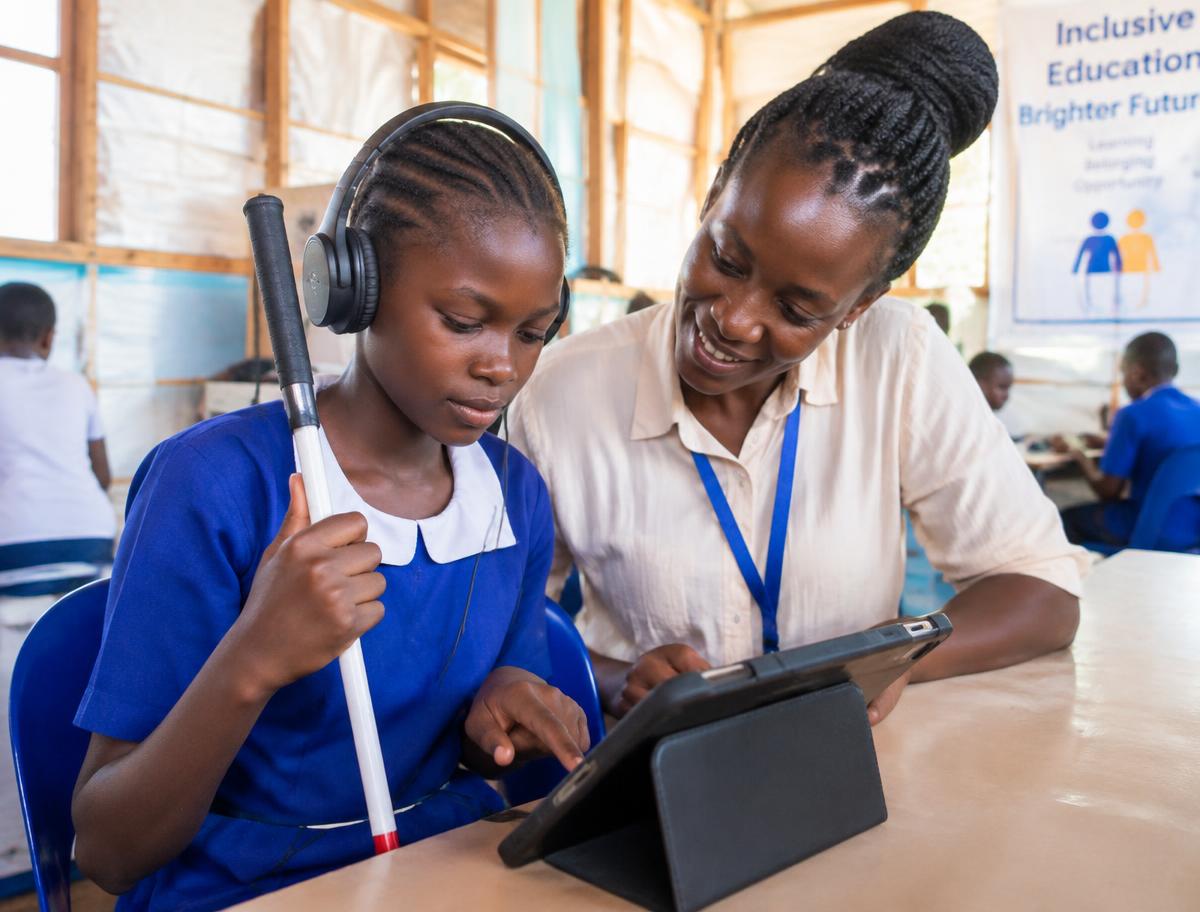
Learners with visual, hearing, speech or physical impairments, girls in STEM, and refugee and host-community learners all get the same rich experience.
Bigger text, high contrast, easy-read font, reading guide, big cursor and calmer screens.
Read a whole page, a selection, or tap any text to hear it. Works with TalkBack and VoiceOver.
Learners with speech impairments tap phrases or type, and the app speaks for them or shows big text.
Register learners in settlements like Nakivale, Bidibidi and Kyangwali and track support fairly.
Safeguarding & data protection
Mindset Learn follows the principles of the Uganda Data Protection and Privacy Act, 2019: lawful, fair, minimal, secure and accountable.
No learner is registered without a recorded parent / guardian consent and the learner's own agreement.
Only what's needed to teach and support. Access is limited by role and every change is logged.
Disability and refugee status are only stored with explicit consent and used to provide support.
Families can see, correct, export or delete a learner's data and withdraw consent at any time.
For schools, centres and partners
Class, gender, age, region, district, guardian contact, displacement and disability details, validated as you type.
See learners by region, gender, PWD status, impairment type and displacement at a glance.
Quiz marks, badges, challenges and time spent for every learner and pathway.
Download the register as CSV and see who changed what, and when.
Questions
Learners sign in with the Learner ID and PIN from their teacher. Schools can register in minutes.